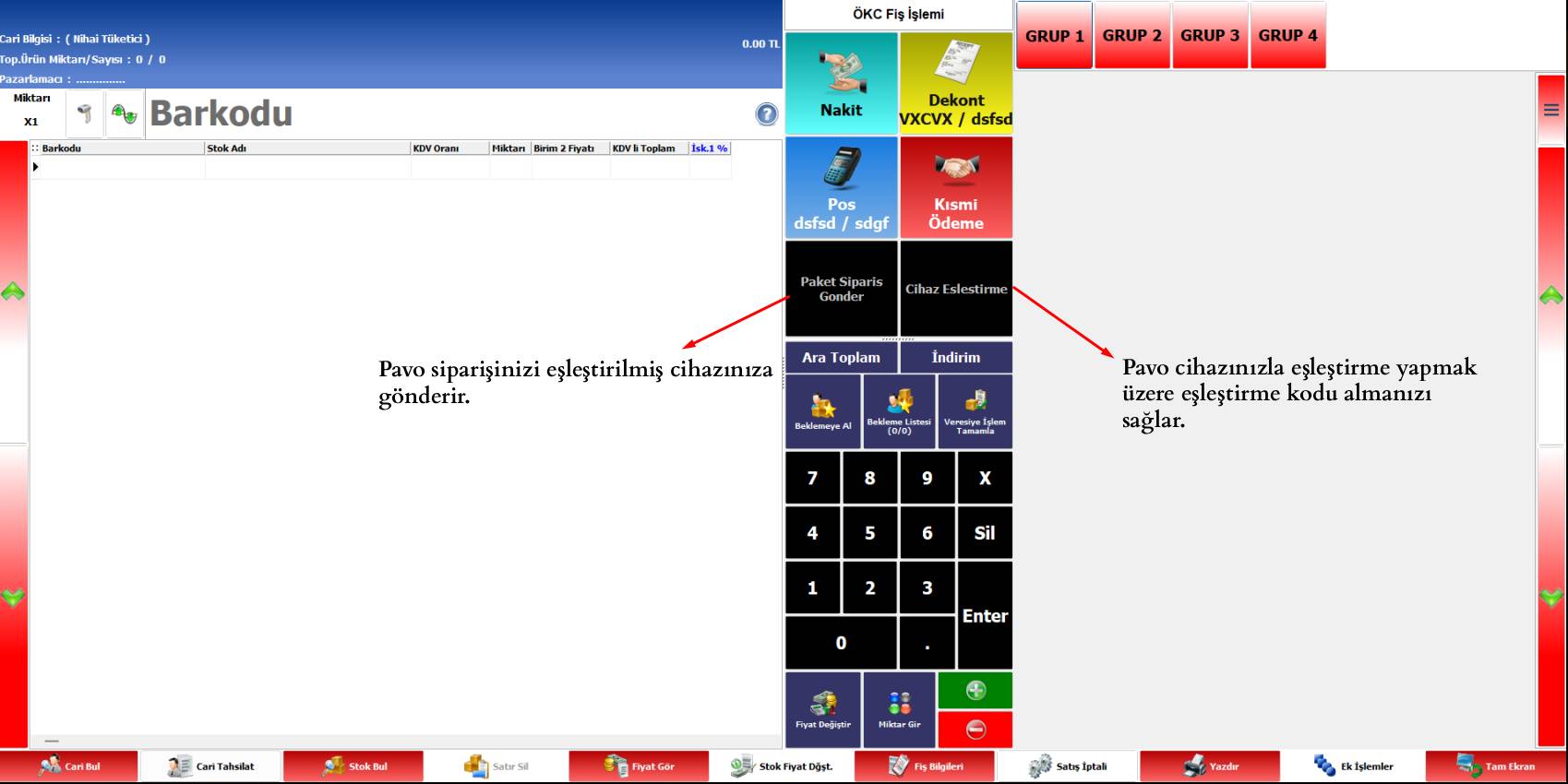
The AKINSOFT Wolvox Quick Sales Pavo POS Integration Script allows you to send cart information prepared on the sales screen directly to your Pavo POS device.
Products, quantities, prices, tax rates, and the total payment amount are automatically prepared and transferred to the Pavo device. This removes the need for checkout staff to enter the payment amount into the POS device again.
The process can be started in one step using the “Send to Pavo” button added to the sales screen. Reducing manual data entry helps speed up checkout, lowers the risk of entering an incorrect amount, and reduces customer waiting times.
It provides a practical solution for stores, markets, and retail businesses with busy checkout operations. It helps businesses using AKINSOFT Wolvox Quick Sales and Pavo POS together manage their checkout and payment processes more efficiently.
 Sizi Arayalım

 Turkey (Türkçe)
 Worldwide (English)
 Integration Solutions
 Akinsoft Solutions
 Cloud Solutions
 Web Designs